Online Security
Stay alert. Don't fall for it.
Have you noticed anything suspicious? We're here to help.
Ignore links sent via email or SMS asking you to update information or share credentials, security codes, or card details. If in doubt, contact the bank.
Always keep security in mind.

Never click links sent by email or text message

Remember: the website and mobile app are the only official ways to access your online banking

Make sure you’re on the official bancomontepio.pt/en website (https://)

Report suspected fraud through our Support Line
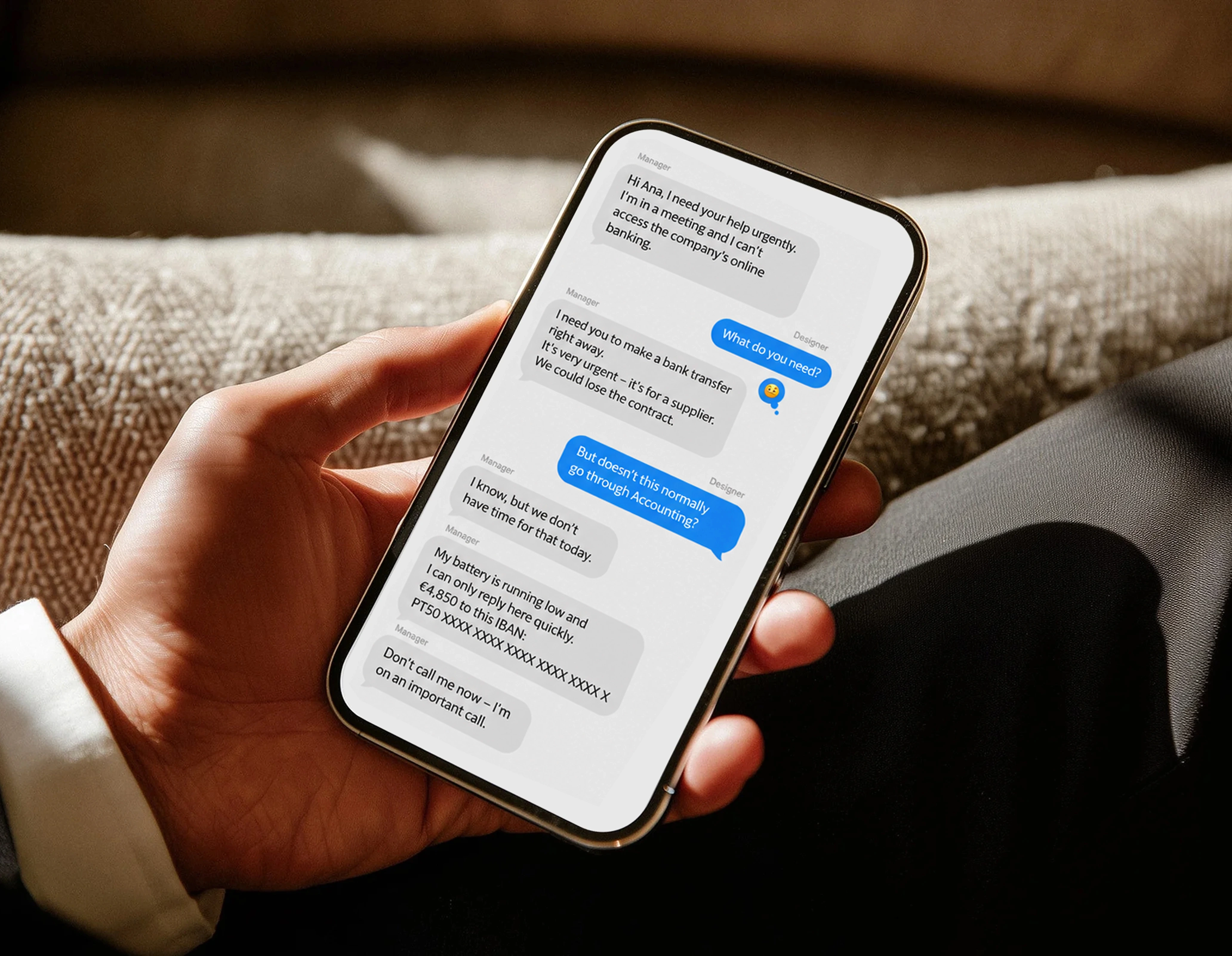
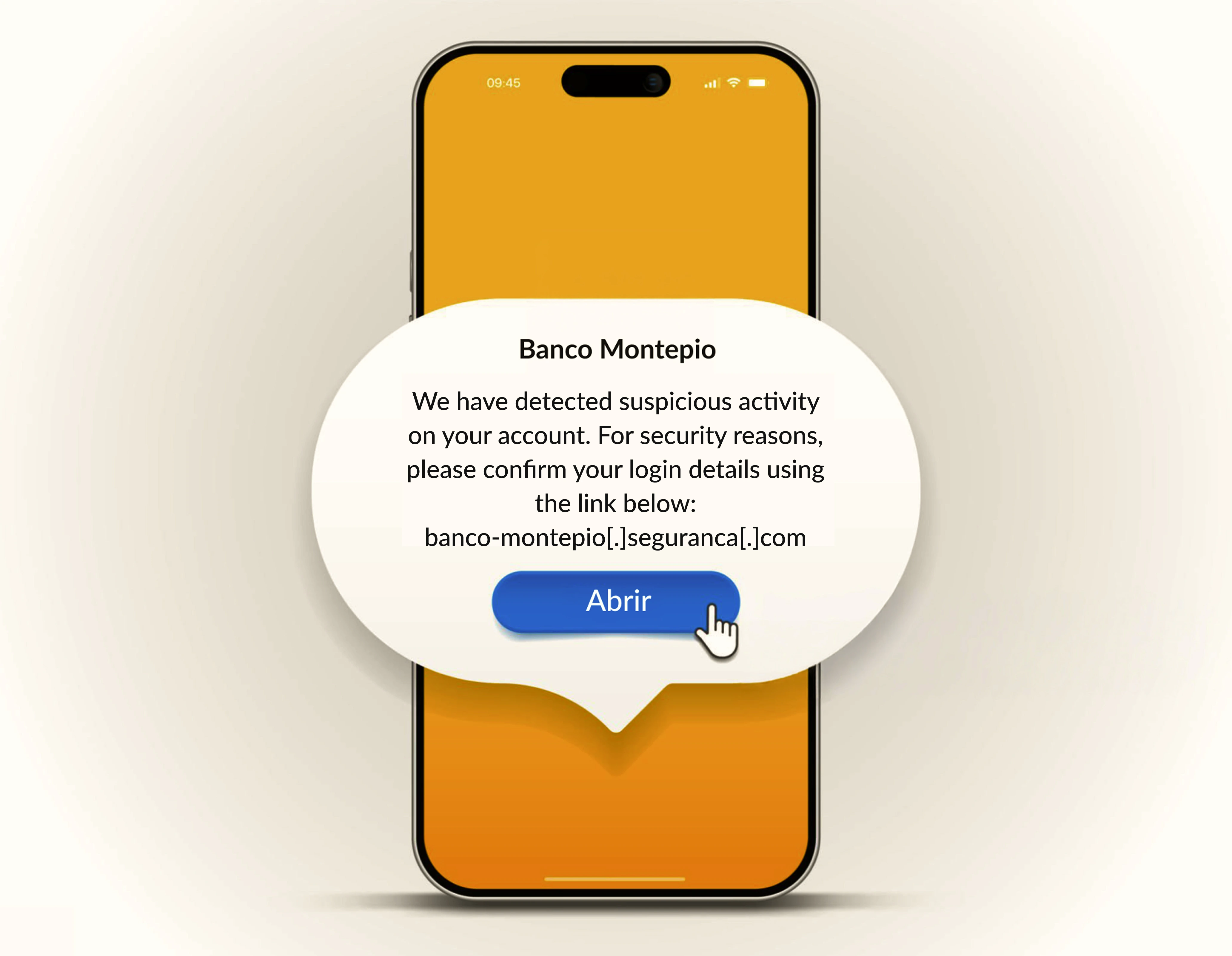
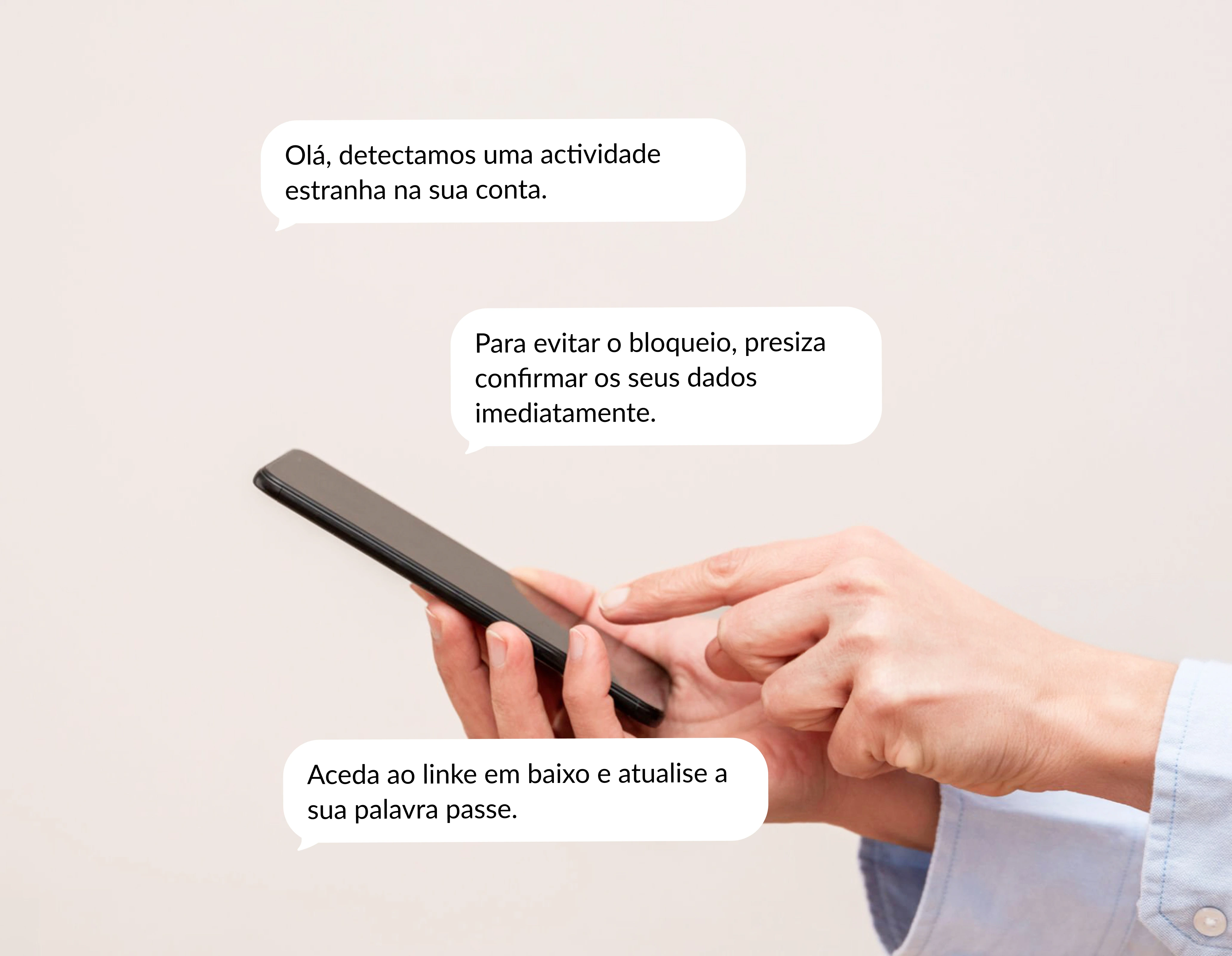

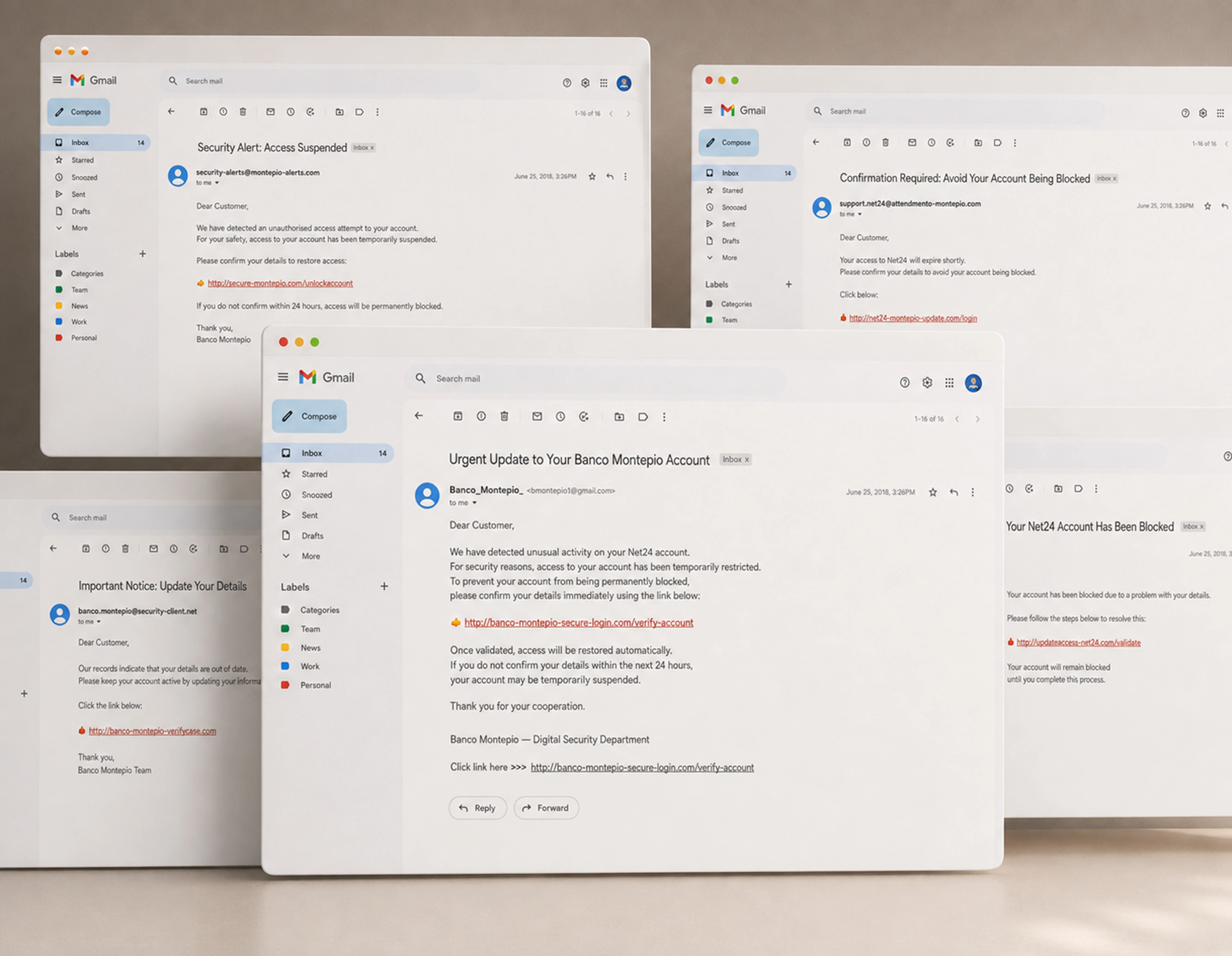
Warning signs.
- Urgent requests.
- Messages from the Bank with links.
- Messages with spelling mistakes.
- Requests to share personal information.
- Unknown or suspicious links.
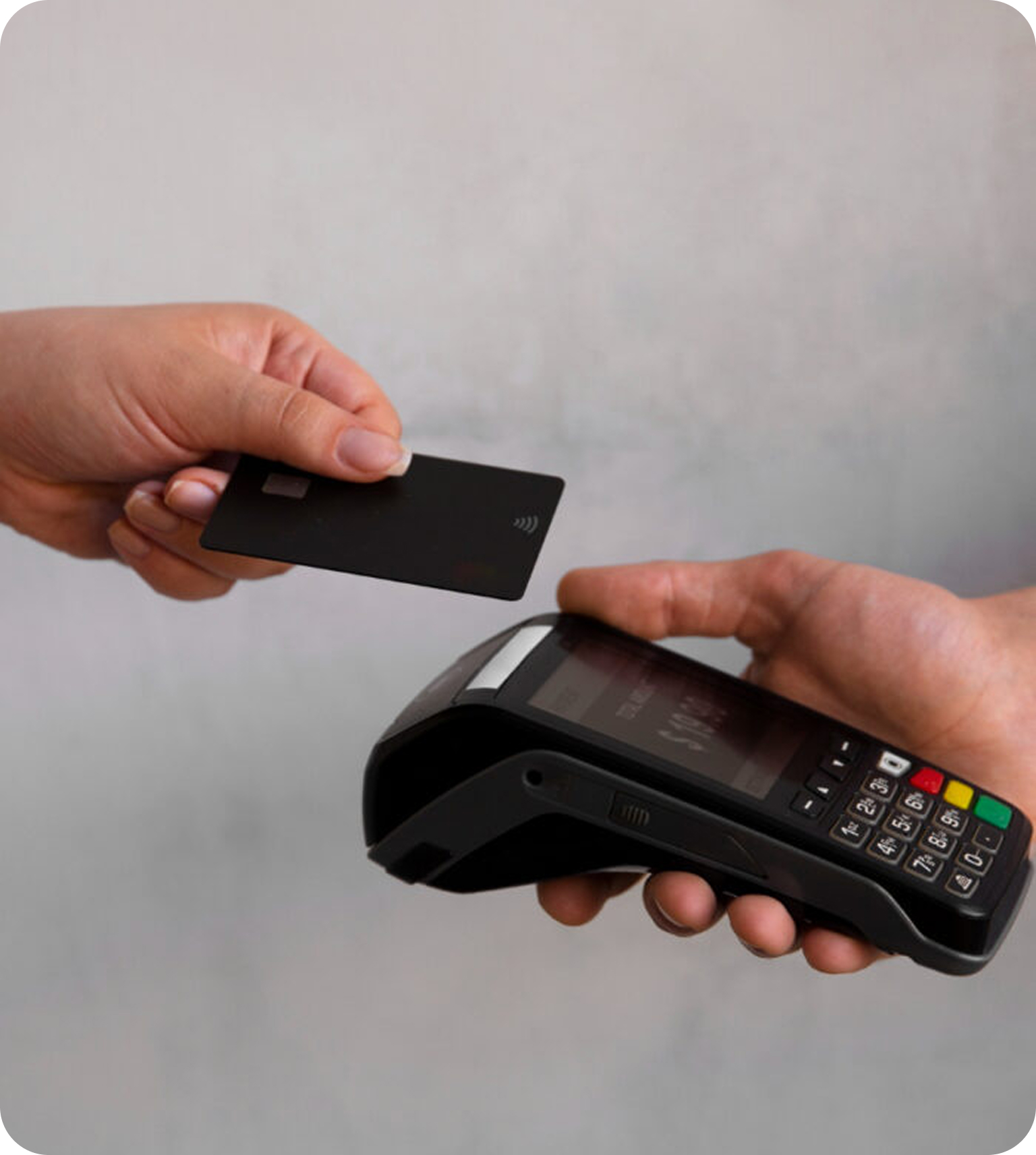
In-store payments.
- Use cards through digital wallets such as Apple Pay, Google Pay, Samsung Pay or MB WAY.
- Prefer contactless payments.
- Always check the amount on the payment terminal before paying.
- Never hand your card to the merchant. Insert or tap it yourself.
- Always ask for and keep the receipt.
Online shopping.

Only shop on trusted websites; check that clear company information is provided, including contact details, address and policies, as well as https:// in the URL.
Beware of unrealistic prices; websites offering discounts far below market prices may be used to steal your data.
Check recent reviews and complaints on independent platforms about products and services.
Ignore links received by email, SMS or sponsored ads, as these are common warning signs of fraud.
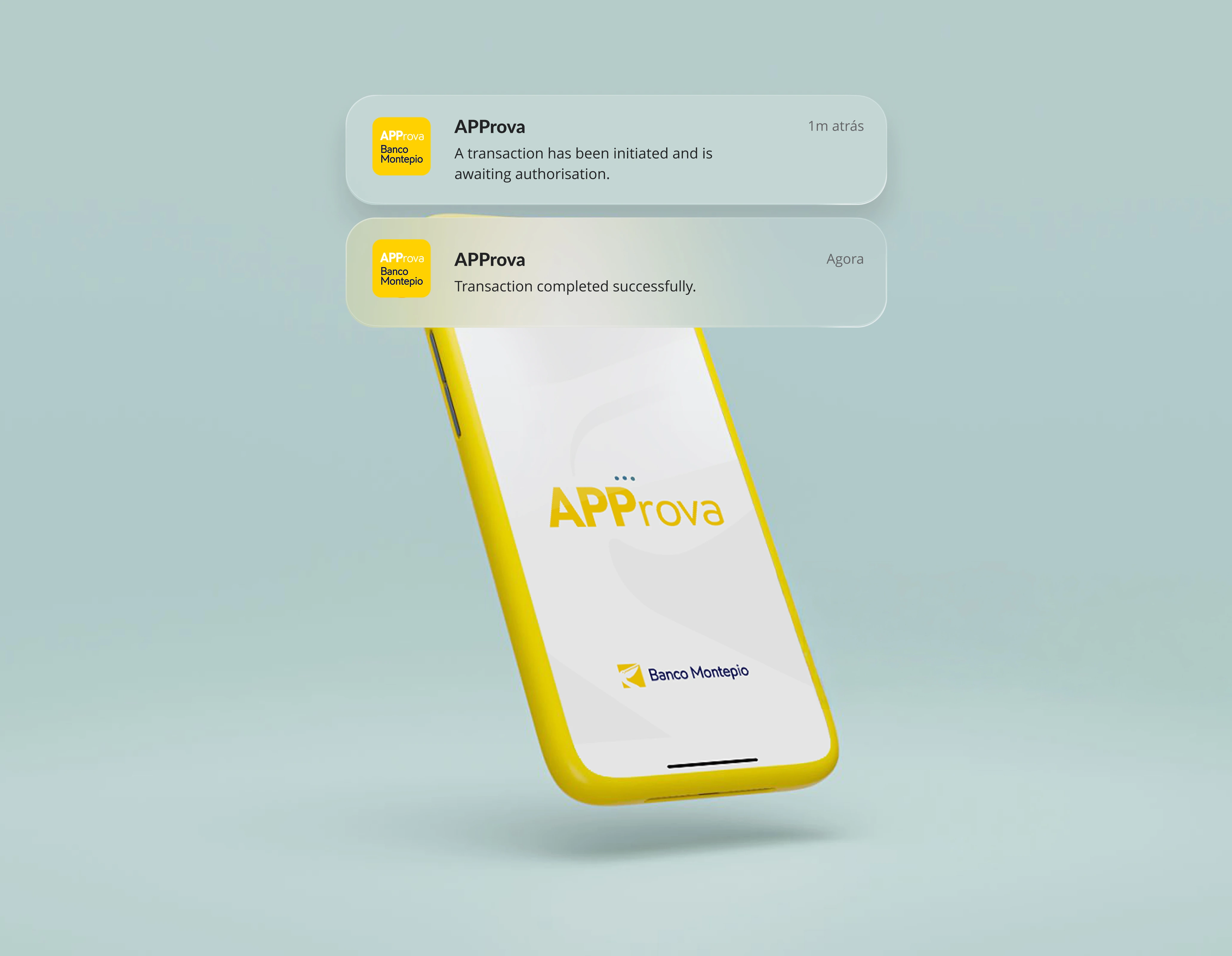
Activate APProva and use biometric authentication whenever possible.
Set up and use Passkeys whenever possible. They eliminate the need for passwords and reduce the risk of fraud.
Approve your transactions with APProva.
Activate APProva and use biometric authentication, such as fingerprint or facial recognition, whenever possible.